Planning a route
shouldn’t take longer
than driving it.
Save time, save fuel, and complete more jobs.
14-day free trial, all features, no credit card required.
Plan the most efficient routes
in just a few clicks
Use tools that fit
your workflow
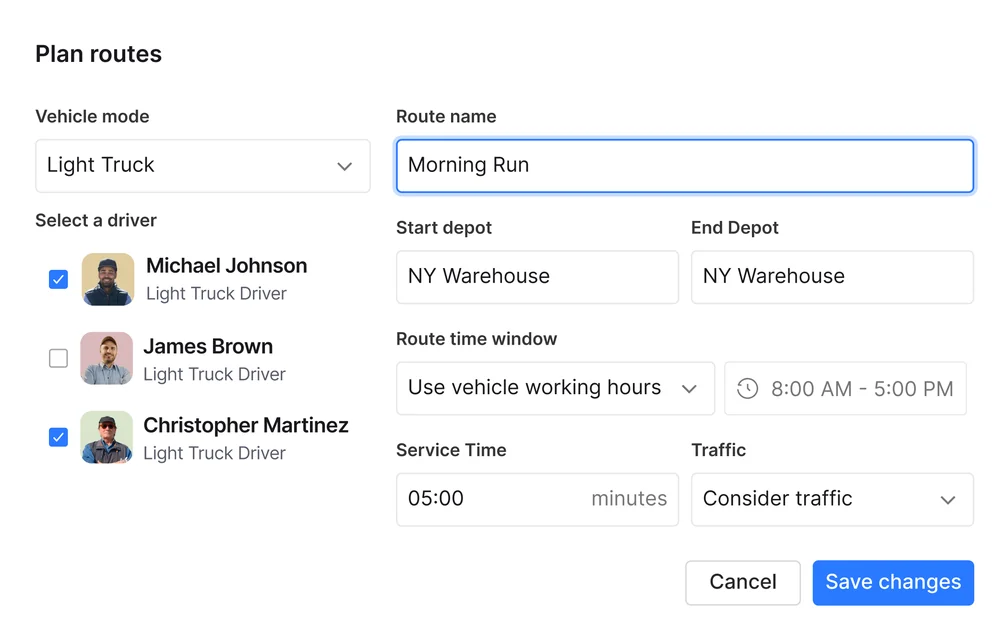
Build routes using preferences tailored to your business, including time windows, vehicle capacity, service time, driver start times and more.
Remove hours of
manual planning
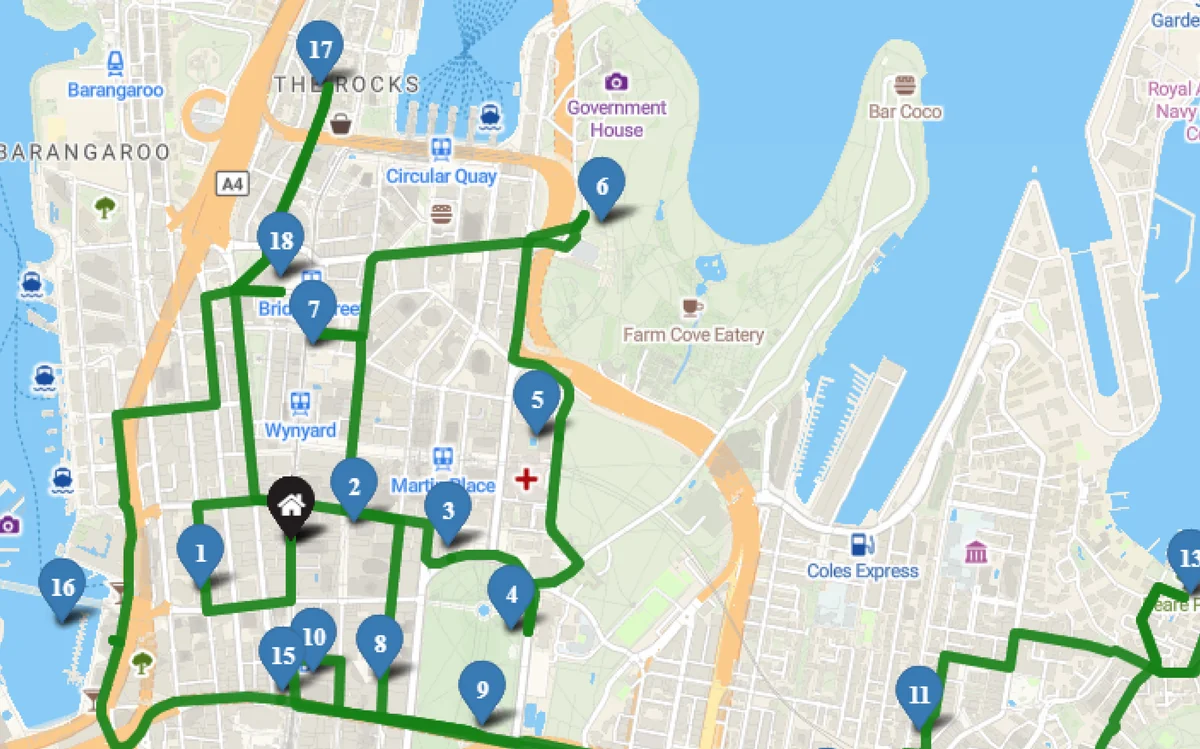
Detrack builds optimised routes for your whole fleet in seconds, with smart sequencing and accurate ETAs, and shows every run clearly on a map.
Re-optimise without
starting again
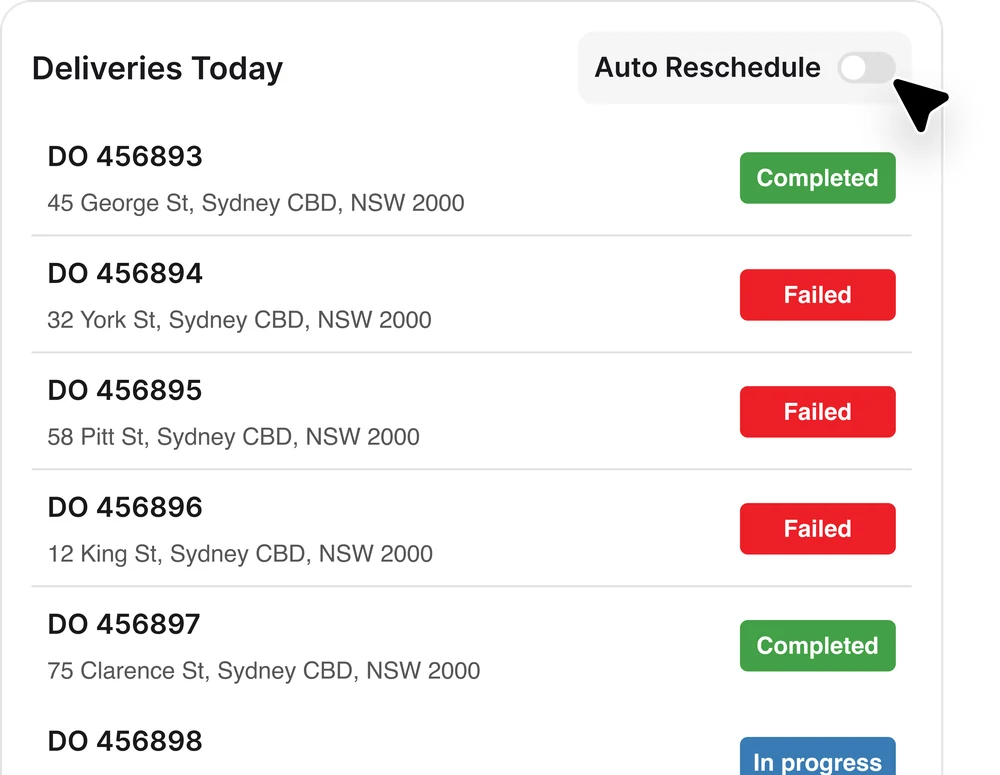
Even the best-laid plans change. A driver calls in sick, or an urgent job needs to jump the queue. Drop it into any existing route and re‑optimise in a few clicks, instead of rebuilding the day from scratch.
Create geofenced zones
and driver groups
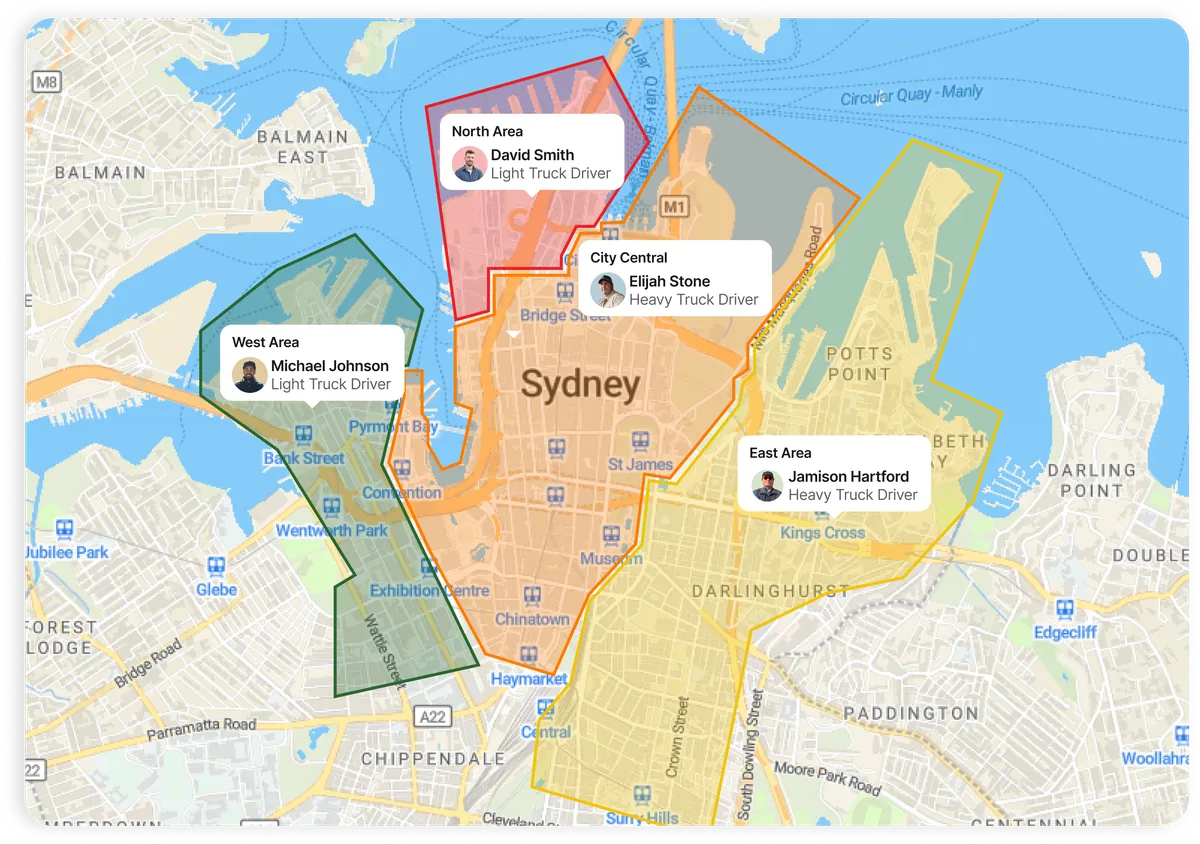
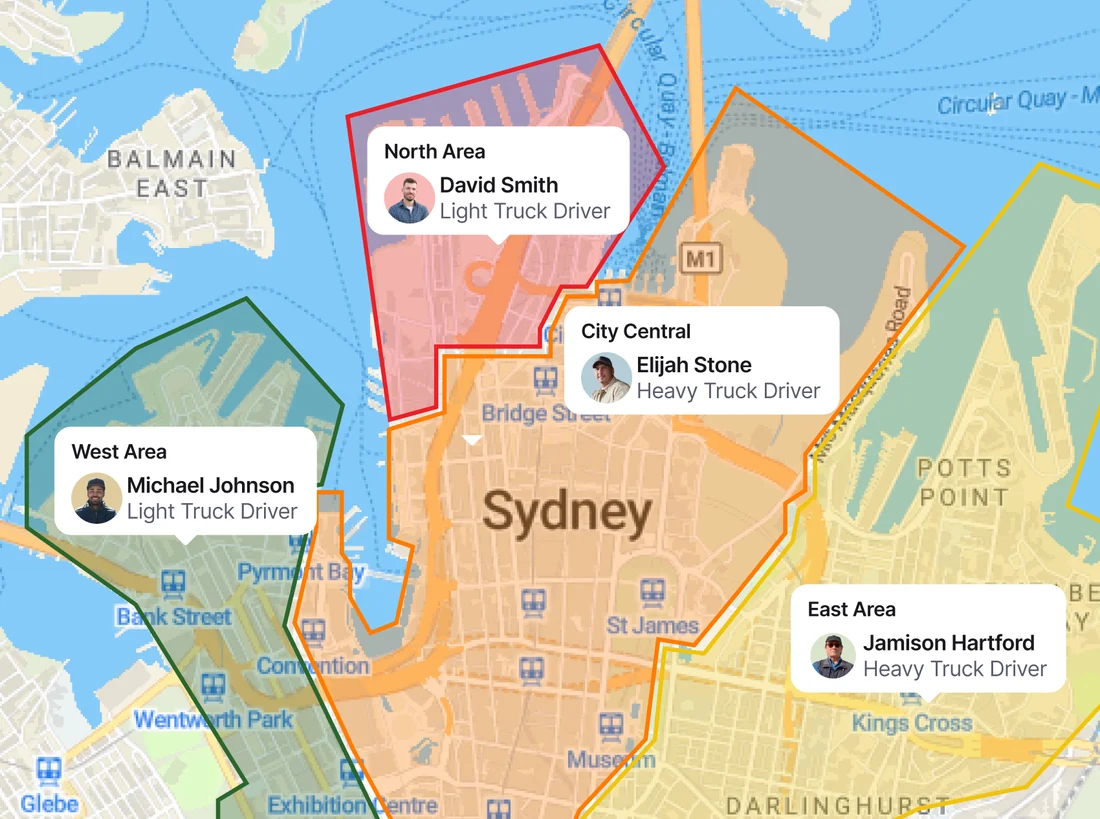
Organise routes by geofenced zones or driver groups to spread the workload evenly and remove overlap. Then set custom fields, global route settings and recurring jobs to match how your business runs.
Move jobs
between drivers
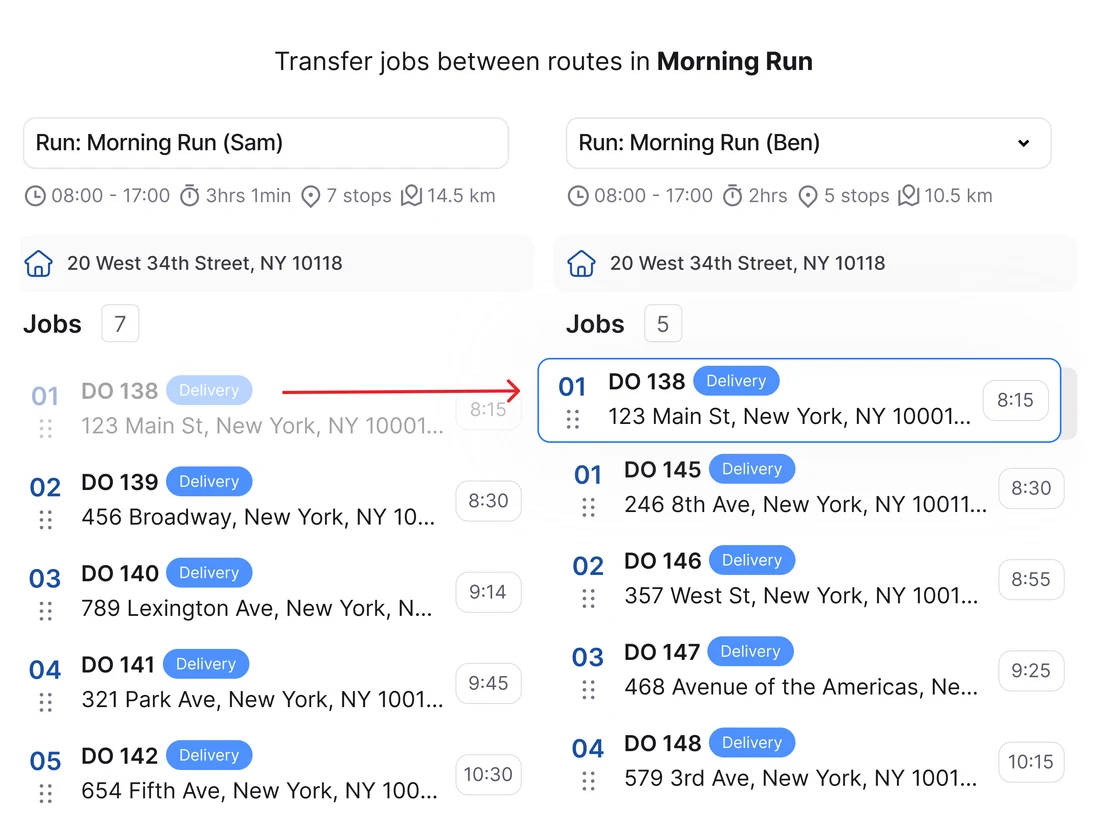
Add or reorder stops and move jobs between drivers in a few clicks. You can schedule break times for each driver too, and the optimiser automatically takes them into account when it builds your routes.
Get more from every vehicle,
and every branch
Make every vehicle
count before it leaves
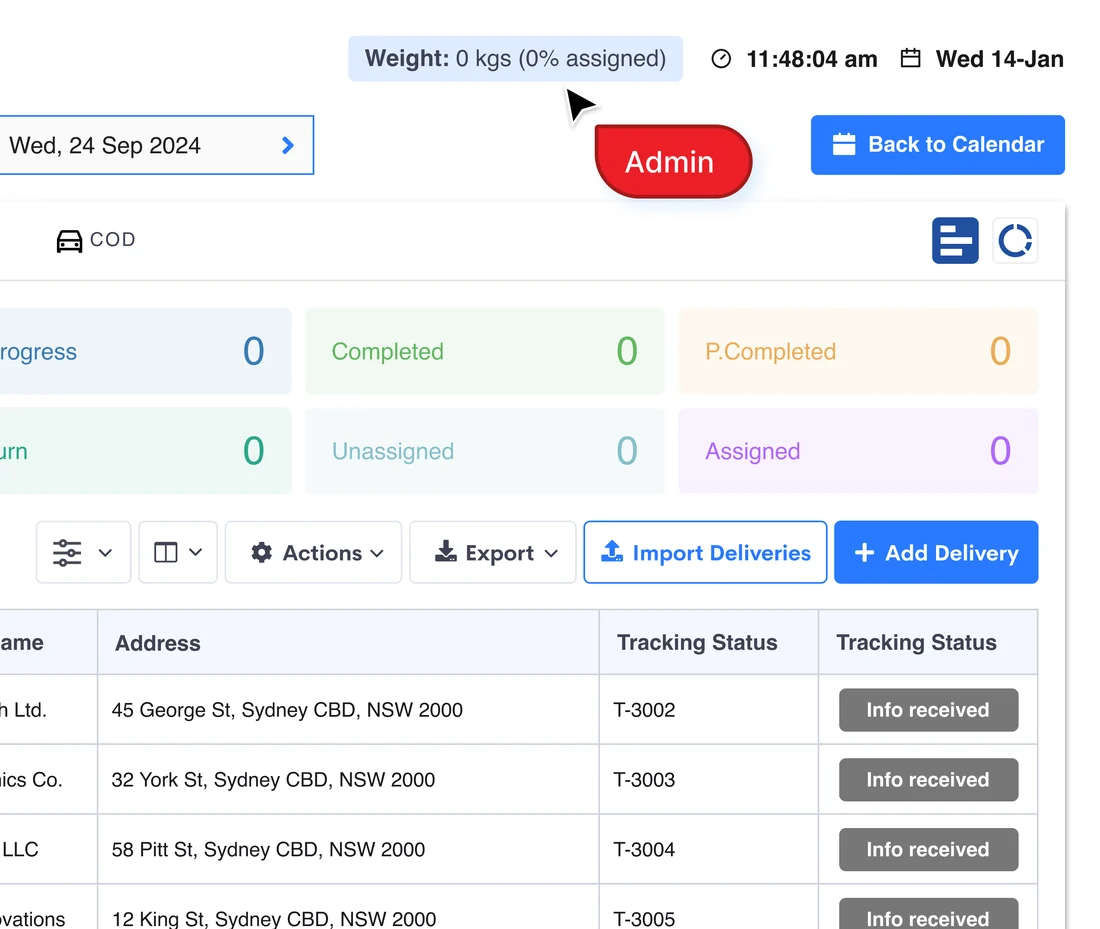
See the total load for the day across weight, cubic metres or pallets right on the jobs table, along with the percentage allocated to each driver. Spot where to consolidate runs before anyone hits the road, and avoid sending out vehicles that aren’t full enough to justify the cost.
One view across
all your branches
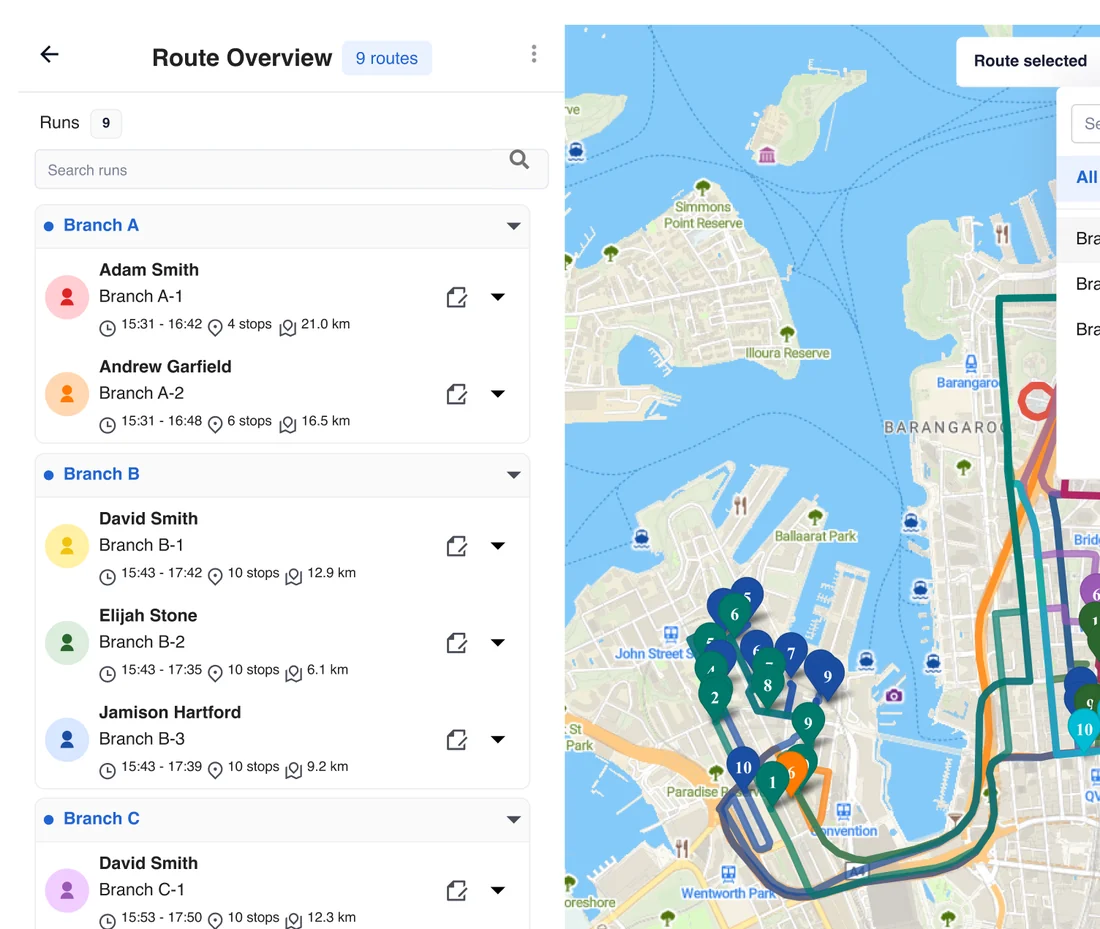
Every route and stop across every group sits in a single overview, so multi‑branch operations can spot overlapping jobs and reallocate, while each branch keeps planning its own day. It works the same at 5 branches or 50.
Stay in control
throughout the day
Every driver
on one live map
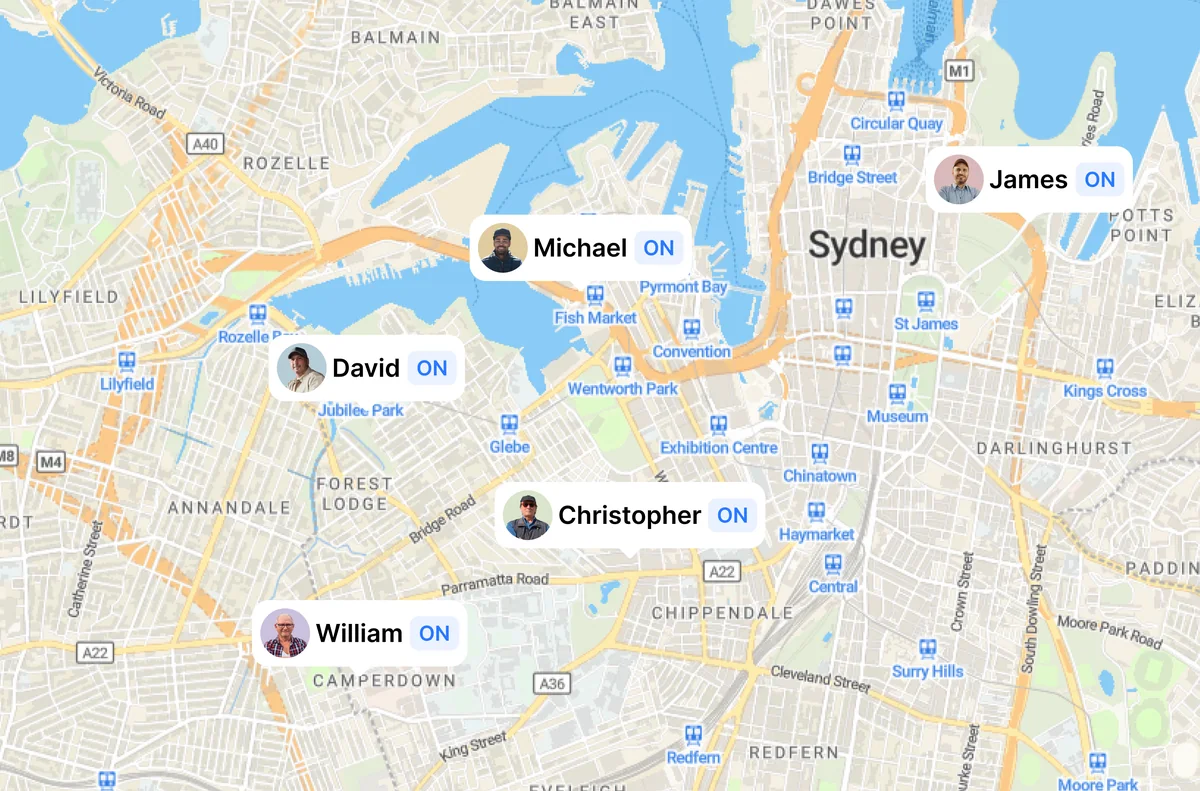
Follow driver locations and job progress with live delivery tracking. Filter by time windows, drivers, zones or groups to focus on what matters most.
Instant proof,
automatic updates
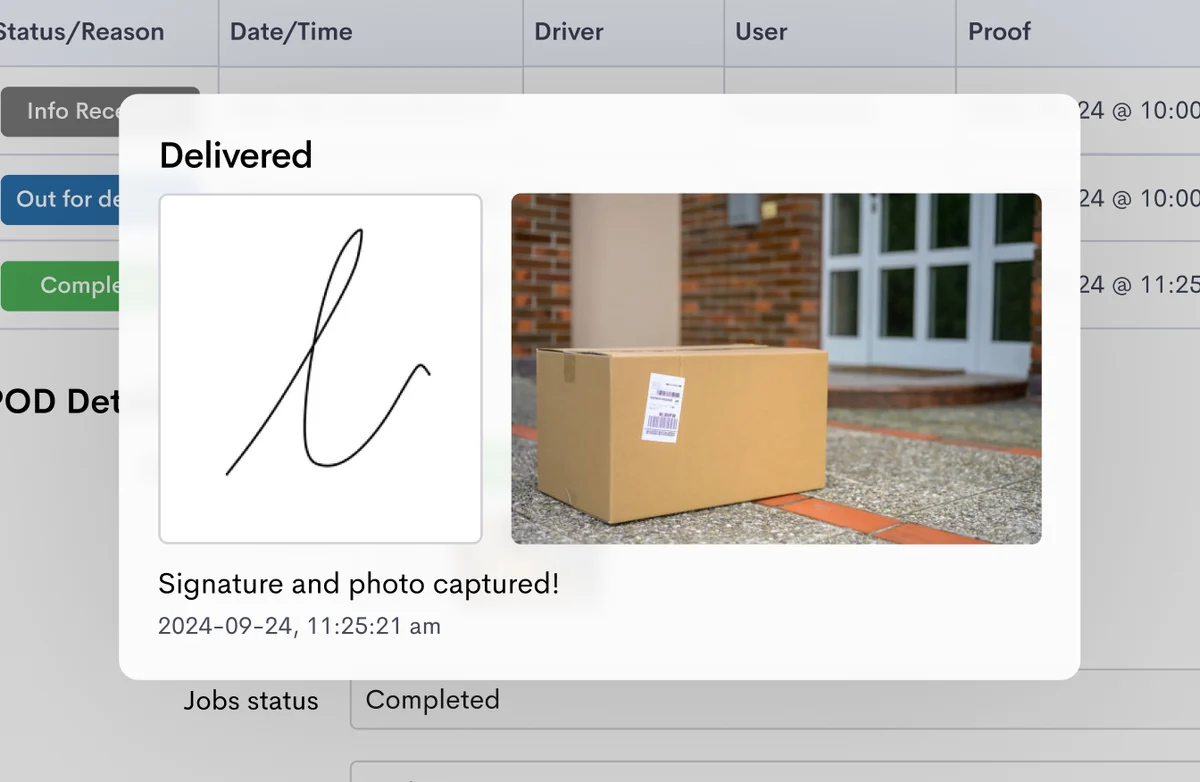
Access proof of delivery the moment each job is completed, and keep customers in the loop with automated SMS, WhatsApp and email updates.
Test drive all features, free for 14 days
It only takes a few minutes to add your drivers, upload or create jobs, and build your first optimised route. Need a hand? Our team is available 24/5 for practical, hands-on setup support.
Your drivers will love our
easy to use app
No additional
hardware required
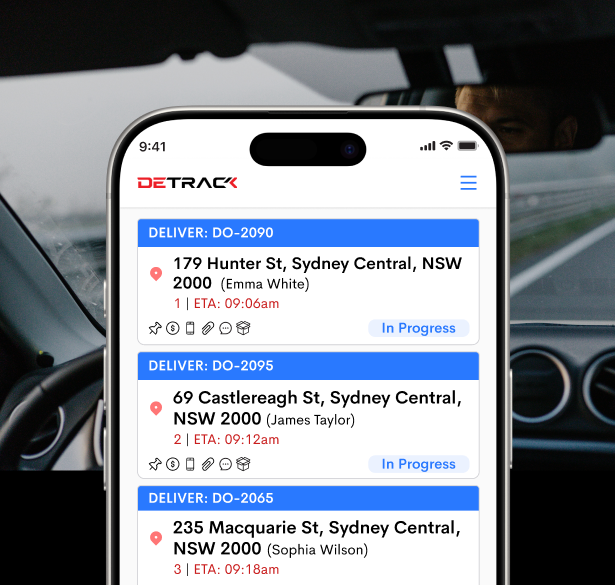
Everything runs through the Detrack driver app, and drivers can easily download this onto their phone via the app stores. The app only tracks while a driver is on a job, so nobody is followed on their own time.


An easy-to-use
app for drivers
With just three main buttons, our app is purpose built for even the most tech-resistant team members. Drivers can perform digital vehicle checks, receive jobs, and capture proof of delivery in one simple interface. No paperwork, no fuss.
Trust Detrack to deliver






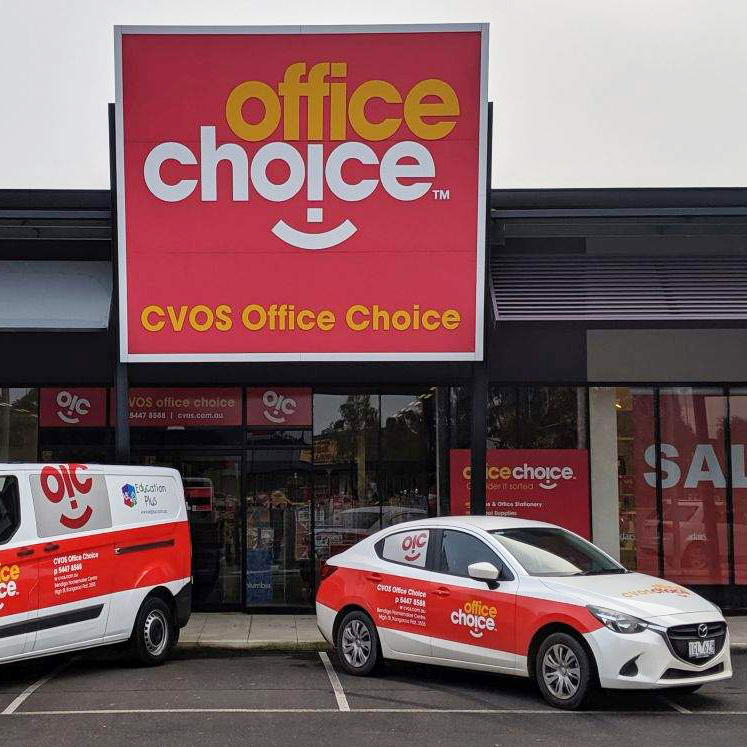
“The vehicle fleet monitoring, parcel tracking, driver app with electronic POD, and route planning features have significantly boosted the efficiency of our dispatch team.”

“It is very handy and makes my day so much easier, love that we have POD’s online, this way if a customer queries any deliveries we can just download the POD and send it to the customer. Love all the features such as tracking, PODs, and being able to swap orders from one driver to another.”

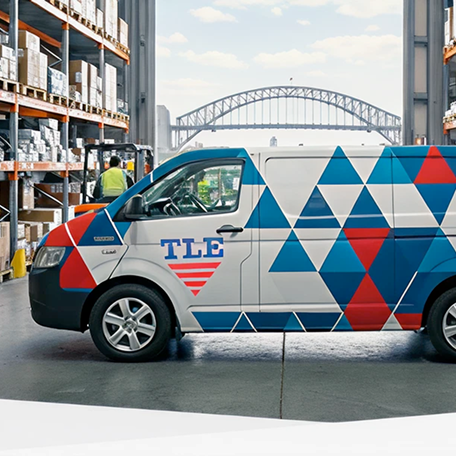
“Detrack has transformed how we manage proof of delivery. What used to be a manual, paper-based process is now fully automated and seamless. Our customers love the SMS alerts keeping them informed of expected arrival times, which has dramatically reduced missed deliveries and inbound calls.”
“Real-time tracking and proof of delivery features work seamlessly, helping us keep customers informed and improve service quality. The mobile app is lightweight and performs well in the field.”
“The real-time updates and automated PODs have reduced disputes and increased customer satisfaction.”

“We use Detrack for POD on all our deliveries and pickups, and it’s been a breeze to set up. It’s easy to use, and our customers love receiving automatic emails with the POD info. Definitely a solid tool for streamlining things.”

We serve all industries and speak to businesses like yours every day
Here’s what they tell us.
are solving manual entry and double handling.
still run their delivery day from spreadsheets.
need software that connects to their existing systems.
are fielding “where is my order” calls all day.
How can we help you?
Pay per driver. Not per user.
Low cost, feature rich
With Detrack, there's no need to trade features for affordability.
Predictable pricing
Run unlimited jobs with no per-job fees or surprise charges.
Scale with ease
Scale during peak seasons with monthly subscription options.
Everything you need for proof of delivery, driver tracking, and customer notifications.
Start 14-day trialNo credit card required
- Unlimited sub-users
- Live driver tracking and job updates
- Proof of Delivery (signature, 10 photos, location, time stamps)
- Branded customer notifications and tracking links
- Custom field mapping and job statuses to match your workflow
- Secure data storage and search for up to 5 years
- Daily analytics
- Manager app and Scanner app
- API and business platform integrations
Everything you need to optimise routes, analyse performance, integrate AI, and more.
Start 14-day trialNo credit card required
- Everything in Pro, plus:
- Route optimisation
- Recurring jobs
- Vehicle Safety Checks
- Rate cards
- Scheduling view (calendar tools)
- Real-time capacity utilization tools and reporting
- Milestone reports (expected vs actual drive time and time on site)
- Advanced analytics covering the past 30 days
- Detrack MCP server access
Route planning questions
we hear every day
Everything you need to know before you start. Looking for more detail? Visit our full FAQ.
Is route optimisation built into Detrack, or a separate tool?
It’s built in. Our route optimisation engine, formerly the standalone ElasticRoute product, was brought directly into Detrack in early 2024. Planning, dispatch, live tracking and proof of delivery all happen in one platform, with one login and one set of job data.
Which plan includes route optimisation?
Route optimisation is included in Detrack Advanced, priced per driver app with unlimited web users. You can try every Advanced feature free for 14 days, with no credit card required. See pricing.
What can I factor in when planning routes?
Time windows, vehicle capacity, service time at each stop, driver start times and scheduled breaks. You can also organise routes by geofenced zones or driver groups, so workloads are spread evenly and drivers don’t overlap.
Can I plan routes across multiple branches or depots?
Yes. Route optimisation across groups shows every route and stop from every branch in a single overview, so you can spot overlapping jobs and reallocate them, while each branch still plans its own day.
What happens when the plan changes during the day?
Add or reorder stops, move jobs between drivers, or drop a new job into an existing route and re‑optimise it in a few clicks. Every change is sent straight to the driver app, so drivers are always working from the latest run.
Can I set up jobs that repeat?
Yes. Recurring jobs are included in Detrack Advanced, so regular runs don’t need to be re-entered every week.
How do jobs get into Detrack?
Three ways: type them in, bring them in with a spreadsheet import, or connect the system you already use. Detrack has native integrations with tools like Xero, MYOB, QuickBooks and Shopify, plus an open API for anything else.
Is there a lock-in contract?
No. Detrack is month to month and you can cancel at any time. Annual billing is available if you would rather pay yearly and save 10%.
Test drive all features,
free for 14 days
It only takes a few minutes to add your drivers, upload or create jobs, and start branding your customer communications.