In this dispatch
These are enhancements users have asked for, and the Detrack team have recently delivered. Our latest platform updates include:
- Three upgrades to the marketplace
- Making it even easier to transfer jobs to a new route
- The ability to update job release times in bulk
- More control over creating QR codes for a single run
Marketplace enhancements
If you work with outsourced or contract drivers, you may already be familiar with Detrack’s Marketplace feature. It’s essentially an internal job board for your driver network. Rather than your dispatch team pre-assigning every job, admins can update their marketplace with jobs so that drivers can view available work and grab what they’re able to take on. Once a driver accepts a job, it’s automatically assigned to them and removed from the pool.
This is particularly well used for service jobs (i.e. customers providing plumbing and electrical services), 3PLs with contract drivers, and building supply companies working with a range of onsite compliance requirements.
If you’re not familiar with the marketplace, check out our help articles and explainer video on how to get up and running. Otherwise, this release includes updates that streamline the marketplace for both dispatchers and drivers.
Publish marketplace jobs in bulk
You’ve been asking, and it’s finally here! You can now select multiple jobs and publish them on your marketplace in one go using the Bulk Update page. A great time-saver for larger operations who post multiple jobs each day.
Control what marketplace jobs your drivers can see
You can now create driver groups based on factors that complement how you operate, and only show the relevant jobs to drivers within those groups in your marketplace. That means drivers can only see what is relevant to them, with groups based on factors like vehicle type, compliance requirements, or specific service areas/territories. This ensures the right drivers are picking the right jobs and reduces any confusion between drivers and dispatchers.
Future marketplace jobs are now hidden by default
Future jobs are now hidden from the marketplace by default, so drivers can only see what’s available right now. This ensures team members are focussed on today’s work and ensures that future jobs aren’t accepted by mistake. If you’d like to keep future jobs appearing, you can simply toggle off this feature.
Transferring jobs just got easier
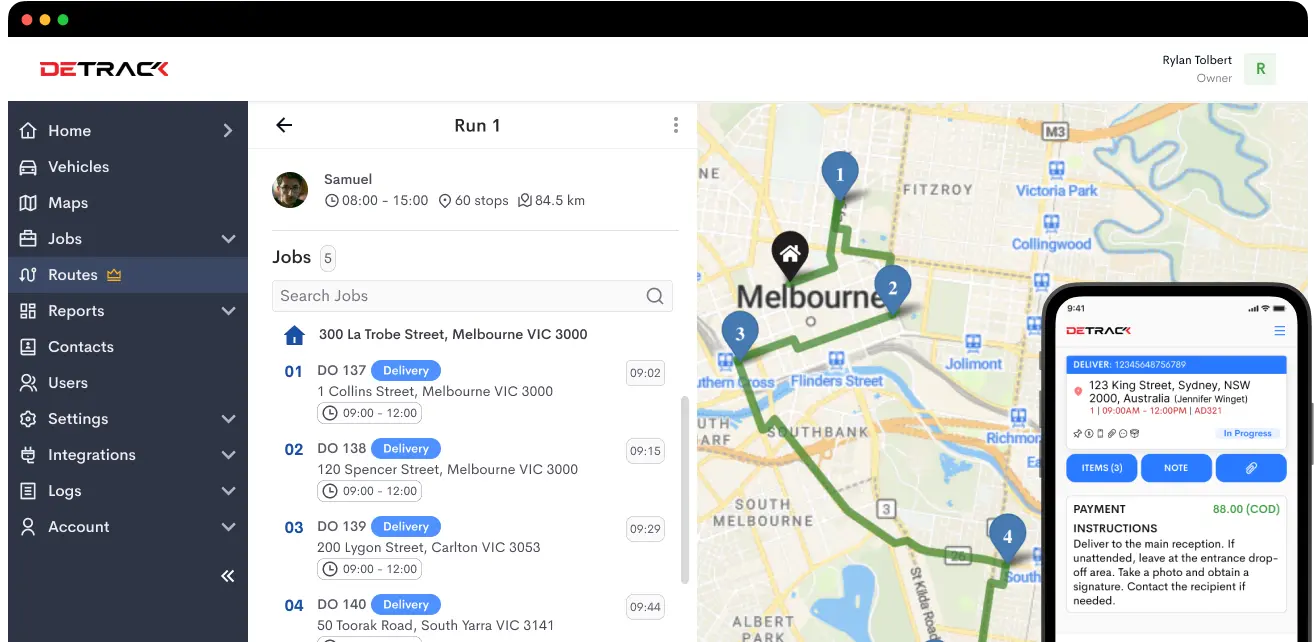
You can now transfer jobs directly from one route to another without creating a new route. Rebalance an overloaded route in seconds, reassign work when a driver is unavailable, or shift jobs as the unexpected unfolds throughout the day. The jobs move, the data stays intact, and your team can respond to changes in the field without missing a beat.
Mass update job release times
You can now apply release time changes to multiple jobs in a single action, enabling your team to get jobs out the door faster. If you’ve ever had to update release times job by job, you’ll love this small but mighty enhancement.
Generating QR codes for a single run
Until now, run QR Codes had to be created for every run, even when you only needed a handful. You can now apply a filter on the jobs table, and then only generate QR codes for the runs you need. Easy.
Make a feature request
If you have a feature or enhancement idea, please get in touch. Our customer support team is available 24/5 on our website or within your dashboard, and would love to hear from you. We’re also making it easier to submit feature requests – stay tuned for more on this in coming weeks.